Open source, on every device
Your domain. Your inbox. Every device.
Native apps for macOS, Windows, Linux, Android, and iOS, and the same app in your terminal. Encrypted storage, IMAP, POP3, CalDAV, and CardDAV, all against your own domain.
Not your device? Pick one
- v1.0.0Latest release
- 5Platforms
- BUSL-1.1Source available
Desktop
Built for the machine you work on.
Every desktop build carries a signed auto updater, so you stay current without coming back here.
macOS
macOS 10.15 or laterComing soonHomebrewMac App Store
Windows
Windows 10 or later- Installers are signed. While the new certificate builds reputation, SmartScreen may still warn on first run: choose More info, then Run anyway.
- No .msi for ARM64; the .exe installer covers it.
Coming soonwingetMicrosoft Store
Linux
GTK with WebKit2GTK 4.1- 64-bitRuns without installingAppImage90.8 MB
- 64-bitDebian, Ubuntu, Mint.deb17.4 MB
- ARM64Debian, Ubuntu, Mint.deb16.4 MB
- 64-bitFedora, RHEL, openSUSE.rpm17.4 MB
- ARM64Fedora, RHEL, openSUSE.rpm16.4 MB
- 64-bitSnap store packageSnap146 MB
- ARM64Snap store packageSnap137 MB
- No AppImage for ARM64. The .deb and .rpm builds update themselves through the in-app updater; the Snap updates through snapd.
Coming soonSnap Store
Mobile
The same mailbox in your pocket.
Installed directly rather than through a store, so you get the build exactly as it left CI.
Android
Android 7.0 or later- Android packageInstalls straight from your browser.apk21.7 MB
- F-Droid buildReproducible, for the F-Droid clientF-Droid21.3 MB
- Android asks you to allow installs from your browser the first time.
- ObtainiumPaste as the app source in Obtainium and it tracks every release
https://github.com/forwardemail/mail.forwardemail.net
Coming soonGoogle PlayF-Droid repository
iOS
iOS 15 or later- The iOS build is not signed for direct install. Sideload it with AltStore, Sideloadly, or Xcode.
Coming soonApp Store
Terminal
Your inbox in a terminal.
The same app in any terminal, with the mouse, keyboard shortcuts, and desktop notifications. Install it with one command, or download the executable for your system.
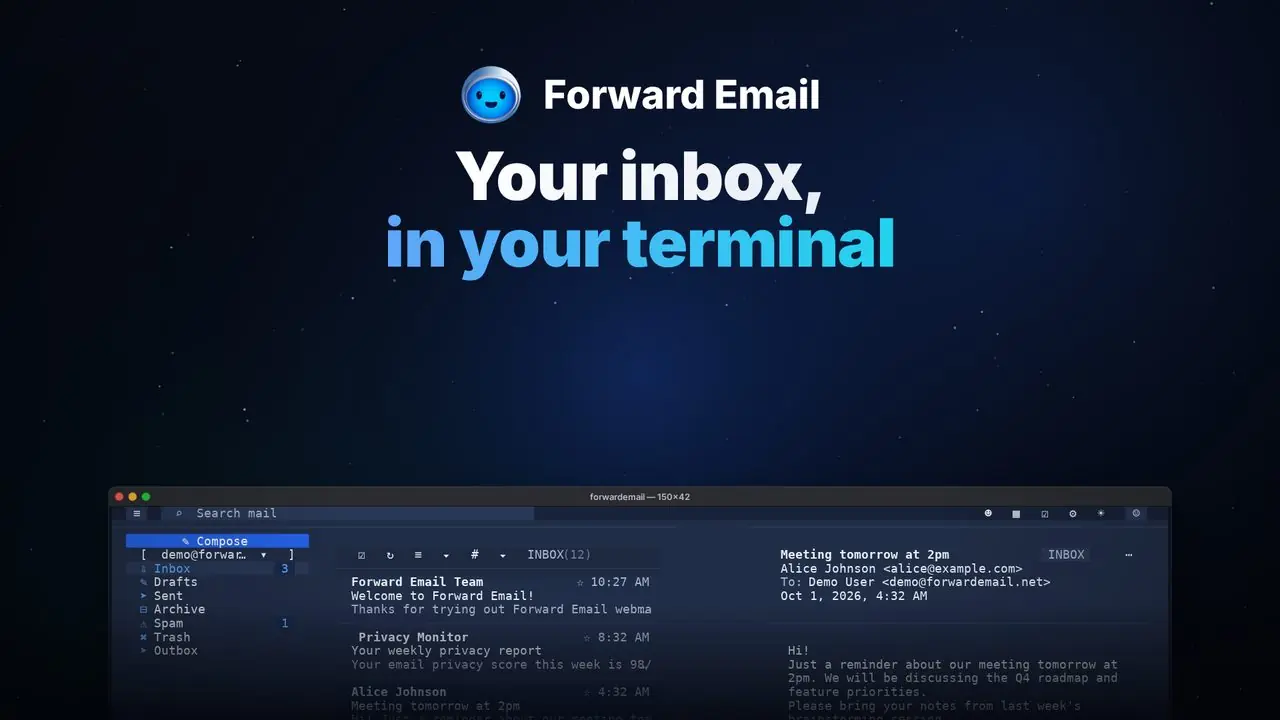 Watch the video
Terminal
macOS, Linux or Windows- macOS, Apple SiliconStandalone executable, gzipped.gz47.1 MB
- macOS, IntelStandalone executable, gzipped.gz48.3 MB
- Linux, 64-bitStandalone executable, gzipped.gz49.0 MB
- Linux, ARM64Standalone executable, gzipped.gz49.1 MB
- Windows, 64-bitStandalone executable, gzipped.gz41.6 MB
- Windows, ARM64Standalone executable, gzipped.gz37.7 MB
- The standalone builds update themselves. The Linux builds need glibc; on Alpine and other musl systems, use npm.
- The Windows executables are signed. While the new certificate builds reputation, SmartScreen may still warn on first run: choose More info, then Run anyway.
- install.shmacOS and Linux: installs the build for your system after checking its SHA-256
curl -fsSL https://github.com/forwardemail/mail.forwardemail.net/releases/latest/download/install.sh | sh - install.ps1Windows PowerShell: installs the build and adds it to your PATH
irm https://github.com/forwardemail/mail.forwardemail.net/releases/latest/download/install.ps1 | iex - npmAny system with Node.js 22 or later
npm install -g forwardemail
Verify before you install
Check what you downloaded.
Every release publishes a checksum for each file. Compare the one you got against the published list, and it either matches or it does not.
shasum -a 256 Forward.Email_1.0.0_aarch64.dmg- Signed updatesDesktop builds carry a minisign signature the auto updater checks against the key below before it applies anything.
- Built in the openEach file here is the artifact a public CI run produced from a public commit, and the run attests to it.
- Read the sourcemail.forwardemail.net
Update signing key
The auto updater applies only updates signed by this minisign key. It is the key in the app's own source, so the two should match.
RWQdtE/QeWn2e5xe8IxDaGxSQrQuCjSGQmrkN0c7errWT1zV8niot6IABuild provenance
Every installer carries SLSA provenance on Sigstore's public transparency log, tying it to the CI run and commit that built it. Check one with the GitHub CLI:
All attestationsgh attestation verify Forward.Email_1.0.0_aarch64.dmg --owner forwardemailF-Droid repository
The repository index is signed with its own key. Its URL and certificate fingerprint appear here when it goes live, so a client can pin it.